WP Directory
Visit the official WordPress repository page to install or download the plugin.
Download plugin
Free WordPress Plugin
One Time Email Access Guard
Installation
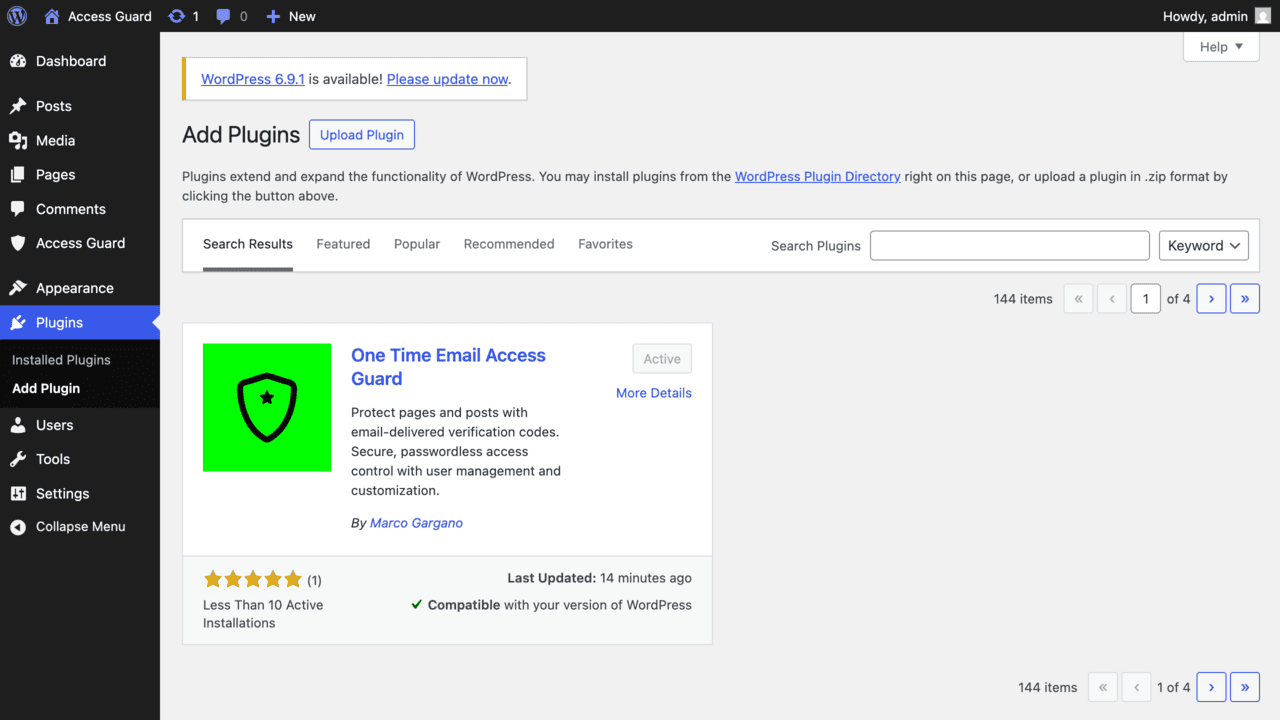
-
Search
One Time Email Access Guard
from the Plugins page and install it.
Otherwise manually upload theone-time-email-access-guardfolder to/wp-content/plugins/ - Activate the plugin from the Plugins menu
- Go to Access Guard in your Admin menu
- Create users with their contact details
- Enable protection on any page/post and assign authorized users
If you use this plugin and want to support its development:
support the project
"One Time Email Access Guard" is open source software. Contributor:
Marco Gargano